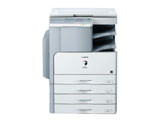
佳能Canon iR 2320N 驱动
佳能Canon iR 2320N UFR II 打印机驱动程序 版本:v30.30 发布日期:2021-11-24 适用于:Windows 7 / Windows 10 / Windows 11 系统。 佳能Canon iR 2320N Color Network ScanGear 扫描驱动 版本:V2.71 适用于:Windows 7 / Windows 10 / Windows 11 系统。

打印机驱动网提供canon佳能打印机驱动官方镜像高速下载。
佳能Canon iR 2320N UFR II 打印机驱动程序 版本:v30.30 发布日期:2021-11-24 适用于:Windows 7 / Windows 10 / Windows 11 系统。 佳能Canon iR 2320N Color Network ScanGear 扫描驱动 版本:V2.71 适用于:Windows 7 / Windows 10 / Windows 11 系统。
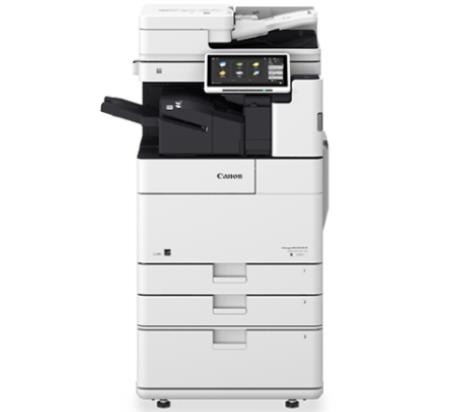
佳能Canon imageRUNNER ADVANCE DX 4751i 数码复合机驱动下载 版本:v2.90 发布日期:2023年8月2日 适用于:Windows 7 / Windows 10 / Windows 11 系统。
佳能Canon LBP8730i 驱动下载 版本:v21.60 适用于:Windows XP / Windows 7 / Windows 10 系统。 说明:这个驱动装完后打印首选项是英文的可能很多朋友看不懂,找了一些中文界面作为参考,大伙将就着看
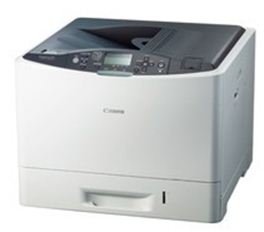
佳能Canon LBP7780Cx UFRII打印驱动 版本:v.2.90 发布日期:2023年8月2日 适用于:Windows 7 / Windows 10 / Windows 11 系统。
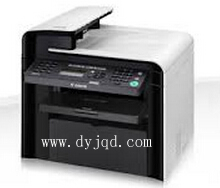
佳能Canon imageCLASS MF4500 驱动下载 适用于:Windows XP / Windows 7 / Windows 10 系统。
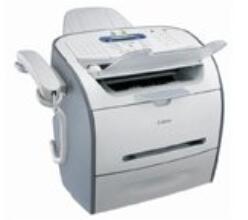
佳能Canon FAX-L390S 传真一体打印机驱动下载 版本:3.00 发布日期:2015-07-16 适用于:Windows XP / Windows 7 / Windows 10 系统。
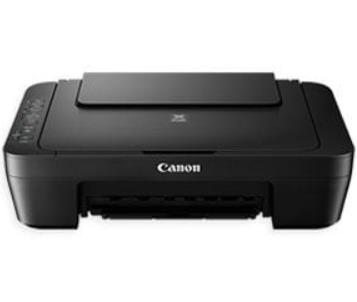
佳能Canon PIXMA MG3010 打印机驱动下载 版本V1.05 发布日期2026年8月26日 适用于Windows XP Windows 7 Windows 10 Windows 11 系统 说明适用于佳能 Canon PIXMA MG3010 无线彩色喷墨多功能一体机官方 Windows 驱动程序及 MP Drivers 打印扫描管理软件
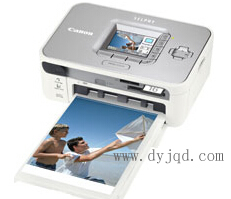
佳能Canon SELPHY CP750 打印机驱动下载 适用于:Windows XP / Windows 7 32/64位系统.

佳能Canon imageRUNNER 2202N 驱动 安装说明 此款统一驱动程序包含 UFR II V21.05 打印机驱动程序、ScanGear V11.3 USB 扫描驱动程序。 *使用 USB 连接时的防范措施 安装驱动程序前断开连接设备和计算机的 USB 电缆。 安装驱动程序后连接 USB 电缆。
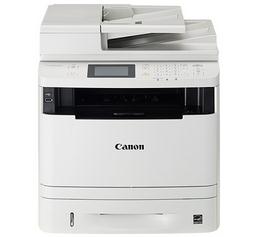
佳能Canon imageCLASS MF412dn 多功能一体机(驱动程序版本:UFR II 打印机驱动程序-V21.60 、PCL6 打印机驱动程序-V21.60、Fax 发送驱动程序-V10.20、ScanGear 扫描驱动程序-V11.3)驱动下载 发布日期:2021-02-25 适用于:Windows XP / Windows 7 / Windows 10 / Windows 11 32/64位系统。
佳能Canon PIXMA MG8280 多功能一体机驱动 版本:Ver. 1.01 适用于:Windows XP / Windows 7 / Windows 10 系统。 详细信息 连接USB电缆线时的安装步骤 请勿在下载的文件载入完毕之前连接USB电缆线。 载入所有文件后,将USB电缆线连接到打印机的背面。
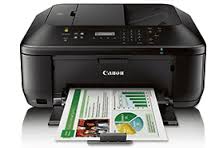
佳能Canon PIXMA MX530 Series 驱动下载 版本:v.1.01 更新日期:2021年10月15日 适用于:Windows XP / Windows 7 / Windows 10 / Windows 11 32/64位系统。
佳能Canon iC MF4122 一体机驱动用于 Windows 的 imageCLASS MF4100 系列 UFR II 打印机驱动程序 版本 2.00 发布日期:2015年7月16日 适用于:Windows XP / Windows 7 / Windows 10 系统。 UFR II 打印机驱动程序 - 版本 2.00 传真机驱动程序 - 版本 5.00 连接USB电缆线时的安装步骤 请勿在下载的文件载入完毕之前连接USB电缆线。 载入所有文件后,将USB电缆线连接到打印机的背面。
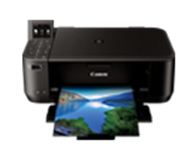
Canon PIXMA MG4280 一体机驱动 版本 :v. 1.02更新日期:2021年10月15日 适用于:Windows XP / Windows 7 / Windows 10 / Windows 11 32/64位系统。 要点 本文件为用于佳能多功能喷墨打印机的驱动程序。 可按照以下软件项目进行安装: MP Drivers:用于佳能多功能喷墨打印机的驱动程序。 IJ Scan Utility:让您轻松扫描照片、文档等的软件。 IJ Network Tool:在连接网络的情况下执行打印设...

佳能Canon L10891E 激光打印机驱动下载 版本:V3.3 适用于:Windows XP / Windows 7 / Windows 10 系统。
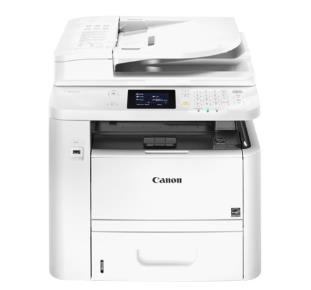
佳能Canon imageCLASS MF419dw 多功能一体打印机驱动下载(驱动程序版本:UFR II 打印机驱动程序-V21.60 、PCL6 打印机驱动程序-V21.60、Fax 发送驱动程序-V10.20、ScanGear 扫描驱动程序-V11.3)驱动下载 发布日期:2021-02-25 适用于:Windows XP / Windows 7 / Windows 10 / Windows 11 32/64位系统。
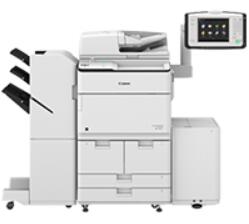
佳能Canon imageRUNNER ADVANCE 8585 打印驱动下载 版本:v.2.90 发布日期:2023年8月2日 适用于:Windows 7 / Windows 10 / Windows 11 系统。
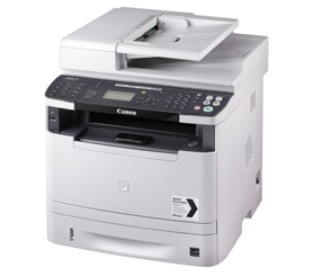
佳能Canon i-SENSYS MF5940dn 多功能一体机驱动下载 版本: V20.95 发布日期:2017-02-13 适用于:Windows XP / Windows 7 / Windows 10 系统。
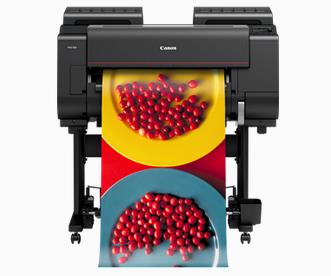
佳能Canon imagePROGRAF PRO-521 打印机驱动下载 版本:v.5.40 发布日期:2023年07月19日 适用于:Windows 7 / Windows 10 / Windows 11 系统。
佳能Canon imageRUNNER 1670F CAPT 驱动 版本:v1.10 适用于:Windows XP 系统.
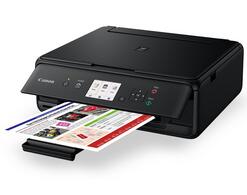
佳能Canon PIXMA TS5060 多功能一体机驱动下载 版本V1.04 发布日期2026年2月26日 适用于Windows 7 Windows 10 Windows 11 系统 说明适用于佳能 Canon PIXMA TS5060 无线彩色喷墨多功能一体机官方 Windows 驱动程序及 MP Drivers 打印扫描管理软件
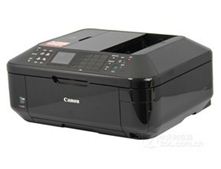
佳能Canon Pixma MX898 MP 驱动程序 版本:1.03 发布日期:2016-02-05 适用于:Windows XP / Windows 7 / Windows 10 系统。
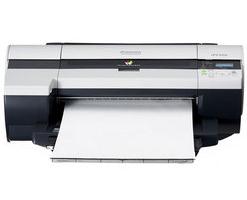
佳能Canon imagePROGRAF iPF500 驱动 版本:3.50-2 适用于:Windows XP / Windows 7 / Windows 10 系统。 提取码:7ytn